How Can We Help?
How Connect OpenAI ChatGPT Integration
To connect to your own OpenAI API Key, go to platform.openai.com and log in with your account.
In your dashboard, select API keys.
Here you’re going to Create new secret key. Give it a name and copy your Key.
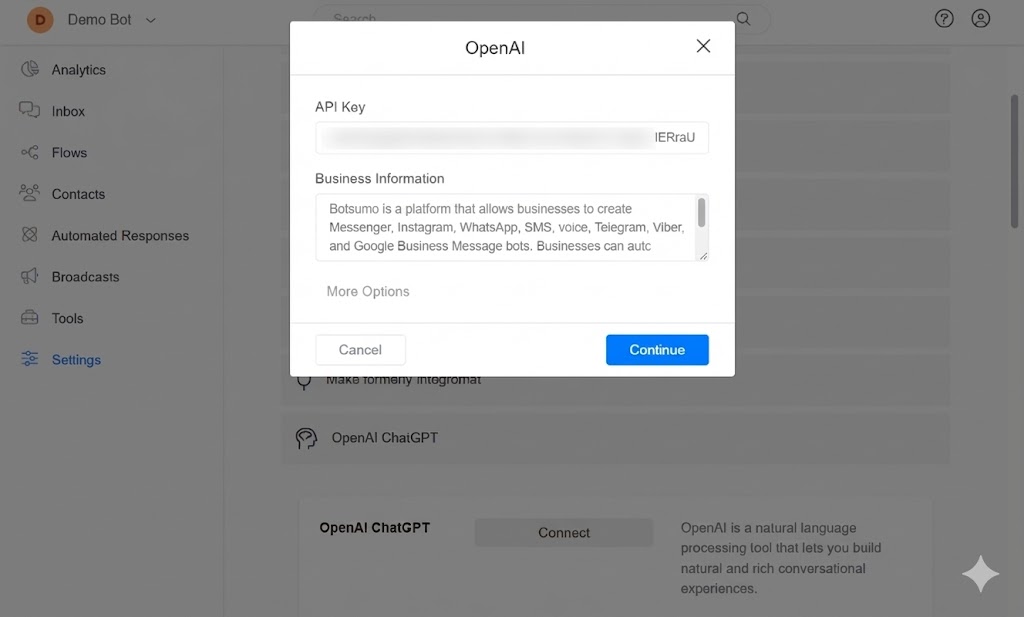
Businesses can train ChatGPT to respond to any customer questions related to their business. A chatbot enables businesses to respond instantly to their customers around the clock, resulting in heightened customer satisfaction. Moreover, it is a cost-effective solution, reducing the need for additional human resources in customer support operations.
The key to creating an excellent chatbot for your business is to create a good prompt (Business Information). The brain of your chatbot is your prompt. Your prompt must be clear and well-written.
Connect OpenAI to Botsumo
1 – Get your OpenAI API Key HERE.
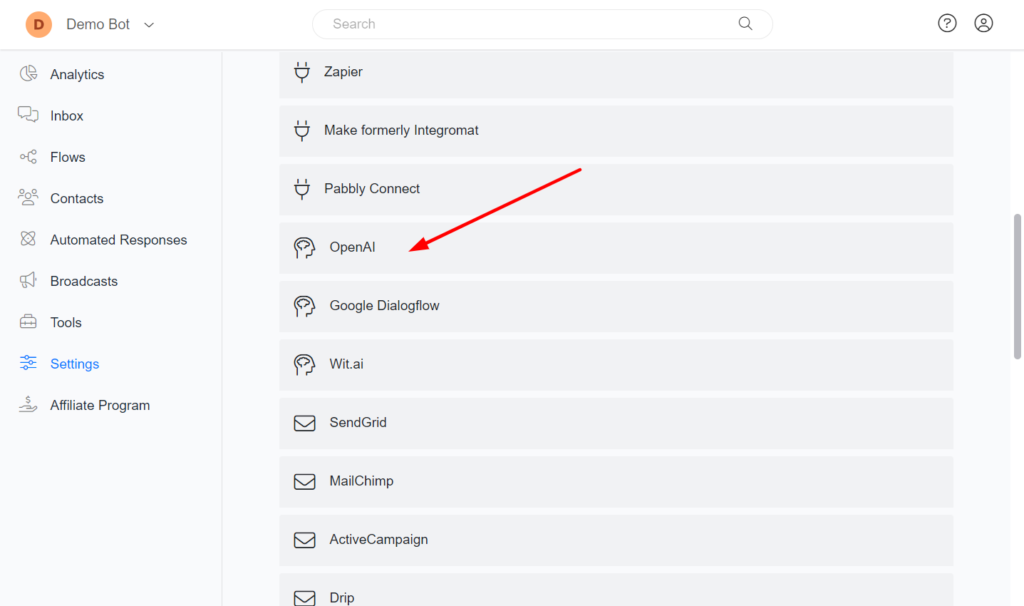
2 – Go to Botsumo > Settings > Integrations > OpenAI
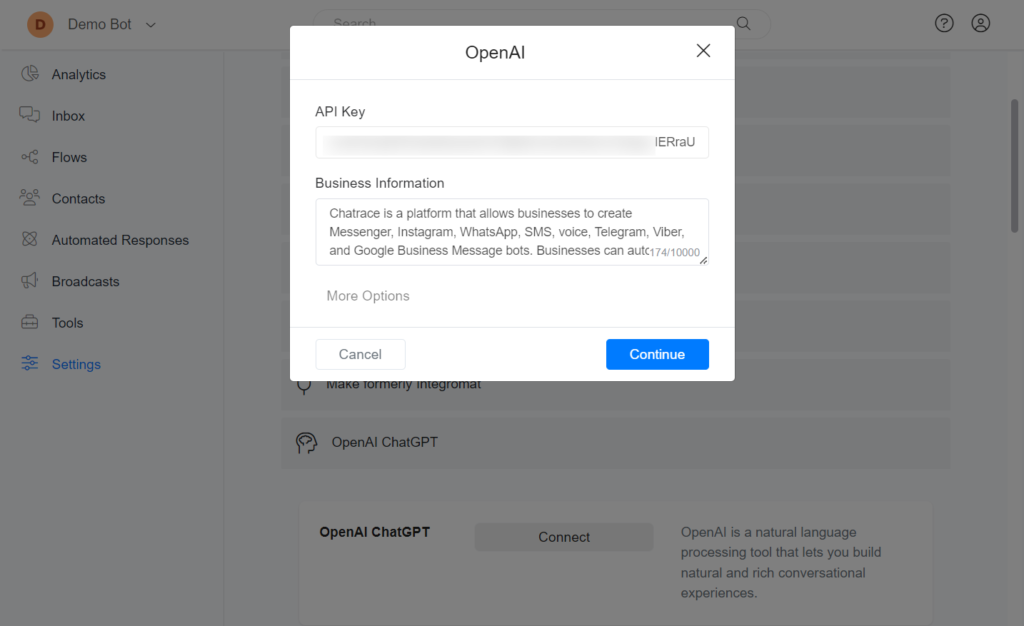
3 – Click the Connect button and provide your OpenAI API KEY.
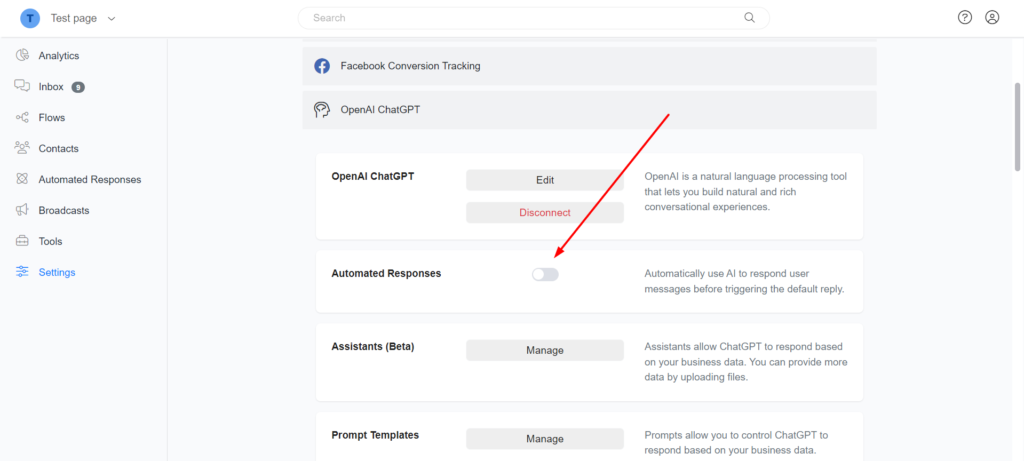
Disable AI Auto Reply for OpenAI
Every time a user sends a message to your chatbot, your chatbot will automatically use ChatGPT to respond to the user’s message. You may want to work with only OpenAI actions on the flow builder. You can disable this behavior by going to Settings -> Integrations -> OpenAI and disabling the AI Auto Reply option.